Your Done List is the main character.
Most apps make the incomplete list the hero. Done List flips it. Your finished tasks sit at the top of the screen, accumulating through the day, with a count that grows and a subtitle that keeps up with you. The backlog is still there. It’s just not the point.
- ✓finish the proposal9:42a
- ✓reply to maya10:18a
- ✓25-min walk11:30a
- ✓book dentist1:05p
- ✓review budget2:40p
- ✓ship the deploy4:12p
It’s the same amount of work. It just feels completely different.
One line. Five things.
No dropdowns, no clicking through menus. The syntax is optional — two words work fine. But when you want to add context fast, it’s all there.
finish the proposal @work #2 ~w !8!8@work#2~w*wType it the way you think it. The app figures out the rest.
Every finished task becomes a plant.
Duration determines size — a 25-minute task is a small sprout, a 4-hour task is a full-grown tree. Goal determines color. Over a year, your garden becomes a record of what you actually built. Share it as a PNG, your goals laid out as plots, every plant in its place.
Six small things that make it feel different.
Goals that actually mean something
Goals are single words — health, work, side-project. Each gets a color. Tasks assigned to a goal show up in the right plot in your garden. Goals aren’t project folders with sub-tasks and deadlines — they’re a way to see where your energy is going.
Dormant tasks an honest parking lot
Sometimes a task isn’t ready. It’s not gone, it’s just not now.Marking a task dormant moves it out of your active list without deleting it. No guilt, no backlog noise. When you’re ready, one tap brings it back.
Flag for today today's priority list
Not every task needs to happen today. Flagging marks a task as today’s priority — the few things you actually intend to finish. Filter to flagged-only when you want to see just what matters right now.
Recurring tasks that stay anchored
Set a task to repeat daily, weekly, or monthly. Weekly recurrence anchors to the day of the week you first set it — so review budget always lands on Fridays, not whatever day the math happens to produce.
Five palettes two moods
Light or dark, five themes: Earth, Pastel, Jewel, Sunset, Ocean. The app picks a sensible default based on your system preference. Switching takes one tap in settings.
A character who reflects your day
There’s a small illustrated figure in the garden. At zero tasks done, they’re asleep. At one, waking up with coffee. At four or five, cheerful. At nine or more, floating with confetti. A tiny, wordless way the app tells you how you’re doing.
Twelve small visitors.
Hidden milestones unlock animals and objects that appear in your garden. None of them require you to do anything contrived — they reward the habits that make the app worth using.
What we left out on purpose.
A list, not a project tree.
Subtasks turn a simple list into a project management tool. Done List is for the things you actually do, not hierarchies of things you might do. If something needs subtasks, it’s probably a project — break it down before it enters the list.
Open it when you want to.
Push notifications from a to-do app are a fast path to anxiety. Done List shows you what’s due — with overdue labels and urgency sorting — but it trusts you to open the app when you’re ready, not because your phone demanded it.
Your judgment, not the model's.
We didn’t add “AI-suggested next tasks” or automatic prioritisation. The importance score and urgency sort are tools for your judgment, not replacements for it. What to work on next is a decision that should feel like yours.
A personal list.
Done List is a personal productivity tool, not a team workspace. Adding sharing, assignments, and comments would change its entire character. There are excellent tools for team work. This isn’t one of them — and that’s intentional.
Plain text notes.
Notes are plain text. There’s no place to attach files, images, or documents. If a task has a related file, link to it in the notes. The app stays fast and simple by not becoming a filing cabinet.
Today, not time-blocked.
Urgency sorting and due-date labels tell you what’s coming up. A calendar view implies you’re scheduling blocks of time — a different workflow than “here’s what I intend to do today.” Tasks have a due date, not a time slot.
One solid web app first.
Not yet. The web app works well on mobile and desktop. Native widgets and apps are on the list — just not at the cost of shipping a simple, solid product first.
Yours alone.
No Slack import, no GitHub issue sync, no Notion bridge. Every integration is a new thing that can break and a new thing to maintain. Done List is where you put the things you’re responsible for — not a mirror of every tool your team uses.
A peek at the app.
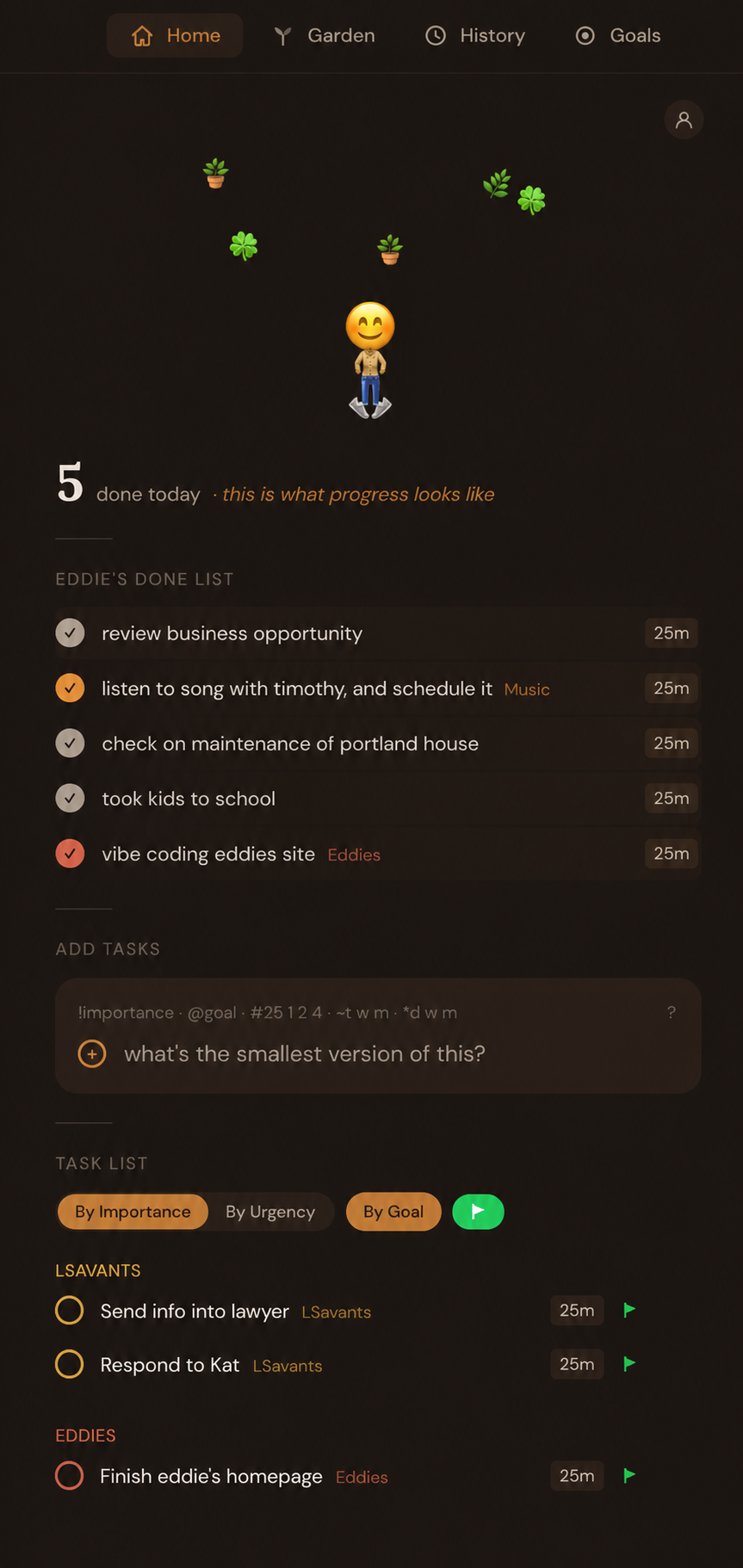
Your list for today.
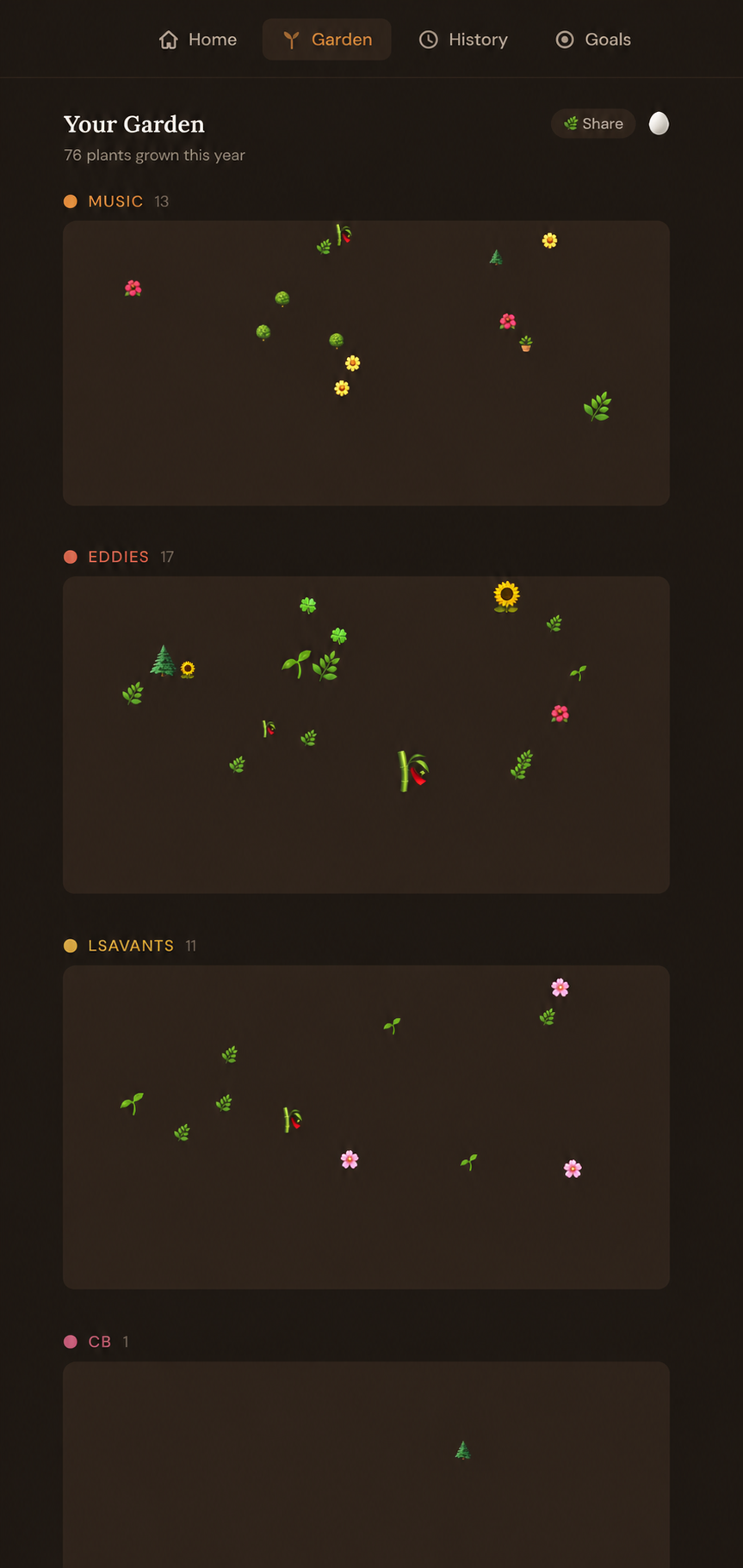
Your garden grows as you finish.
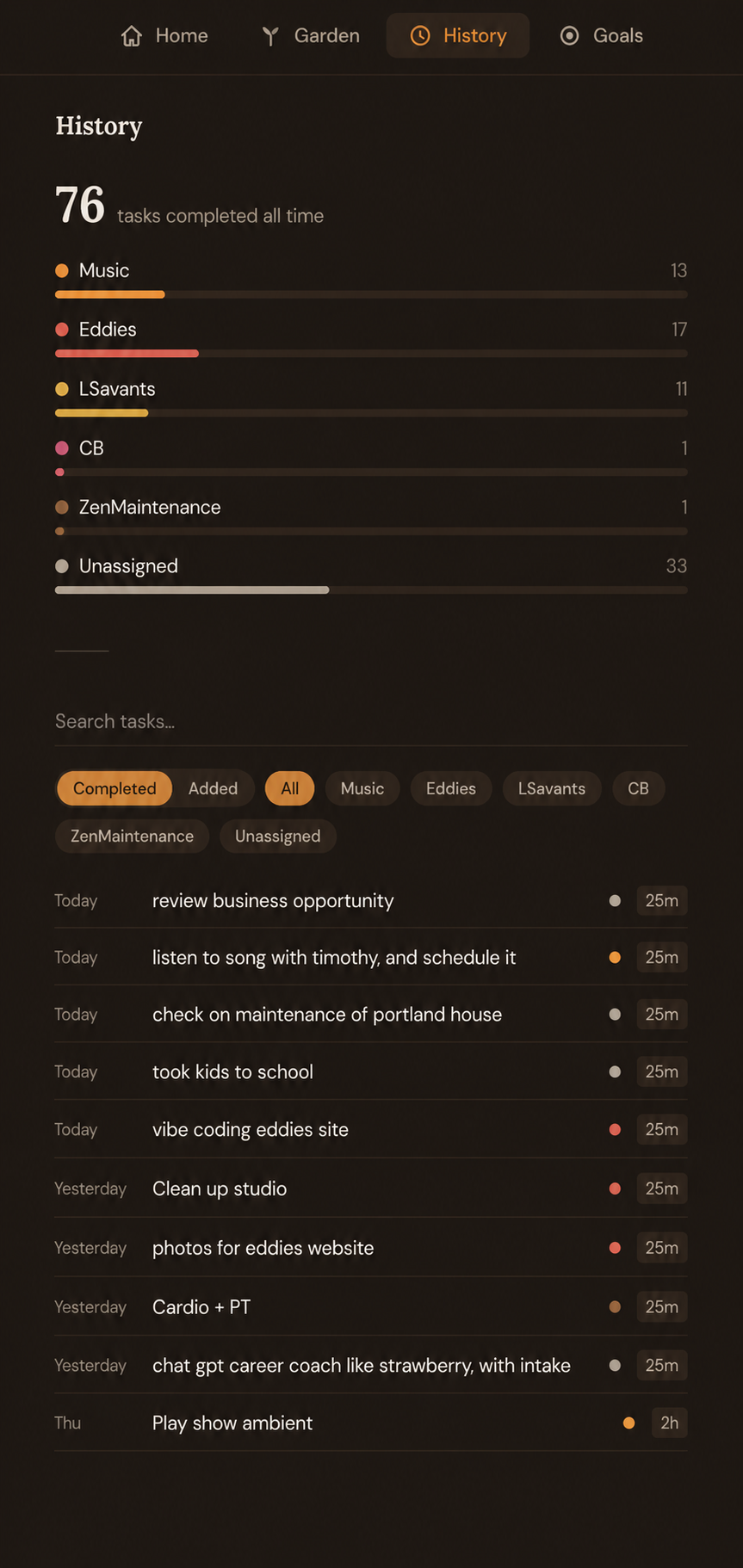
Everything you've done, always there.
Fifteen dollars a year.
Have a promo code? You’ll enter it at checkout.
✦ 100% refund within 30 days. No questions asked.
The questions people ask.
Is this a productivity app?
What if I have a hard day and only finish one thing?
Do I have to use the markup syntax?
Can I import from another app?
What's an account for?
What about offline?
Notice what you’ve already done.
Done List is a web app, available now. Sign up takes about ten seconds. Fifteen dollars a year — or twenty-five for the bundle.